InfoTrac allows for proximity searching. It's syntax is similar to the one
used by Article First: search term nsomenumber
search term, e.g. clon* n15 ethic* looks for variations on the words clone
and ethics fifteen words away from one another.
Proximity searches can be run in the Subject, Keyword,
and Advanced modes.
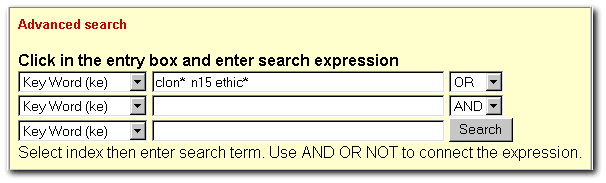
| Below is a
simple proximity search. Note that the
truncation symbol for InfoTrac is * |
 |
|
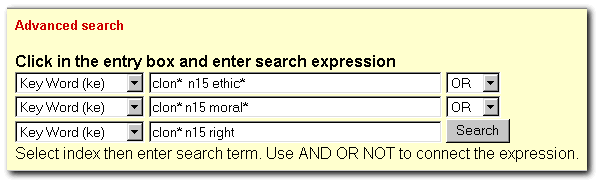
| Below is an
example of a more complex proximity search. It is necessary to repeat
search terms to avoid getting an error message. |
 |
|
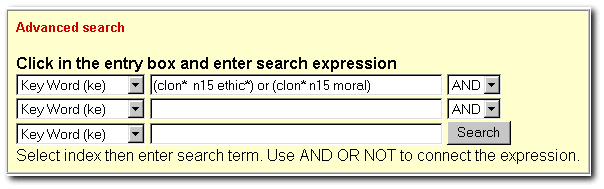
| Complex searches
can also be created as below. This frees up the other search areas. |
 |
|
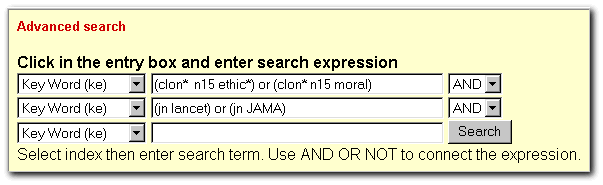
| Below is an
example of a complex proximity search limited to two journals. |
 |