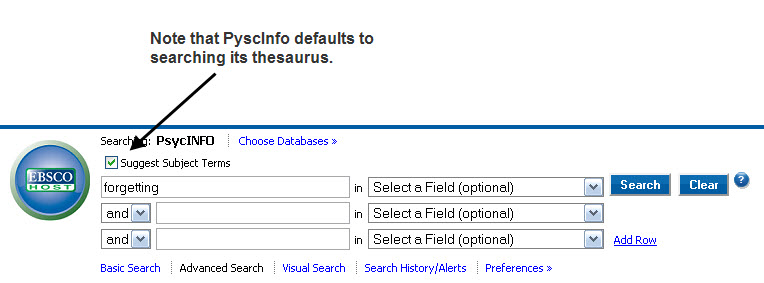
While PyscInfo is capable of executing highly complex and specific searches, this is an example of a basic search.
Link Path WIU Libraries to Select A Database to PyscInfo
Once you open PsycInfo, note that it defaults to searching its thesaurus--not the whole database.
Click on Search. PsycInfo searches its thesaurus.
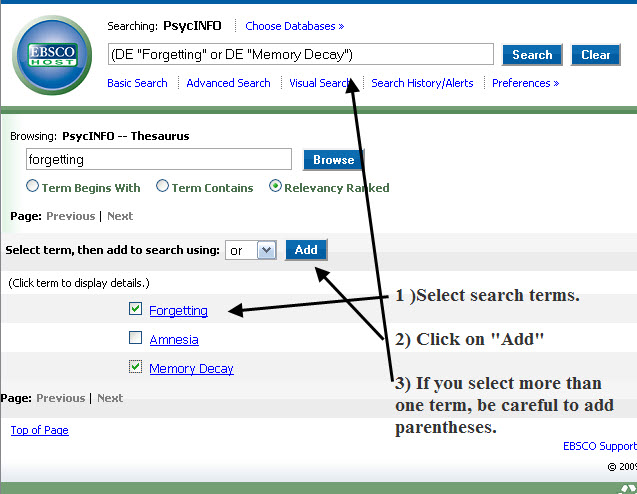
Next, select the search terms from the list. Some lists will be longer than others. This is a short one. I selected "forgetting" and "memory decay." Next click on "Add." This will add your terms to the search box. If you select more than one term, be careful to add parentheses.
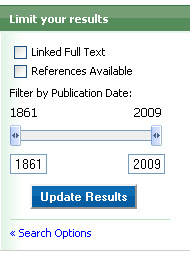
The search above results in more than 2,000 articles. There are a number of ways to narrow our results. One of them is to filter them by using required parameters. For example: you will be using journal articles; they must be peer reviewed; the research needs to be of some recent vintage (last five years, for example); you need empirical studies, etc. PsycInfo allows you to easily filter your results using these parameters by clicking on the Search Options link. This is located on the right hand side of the menu underneath the Limit Your Results box.
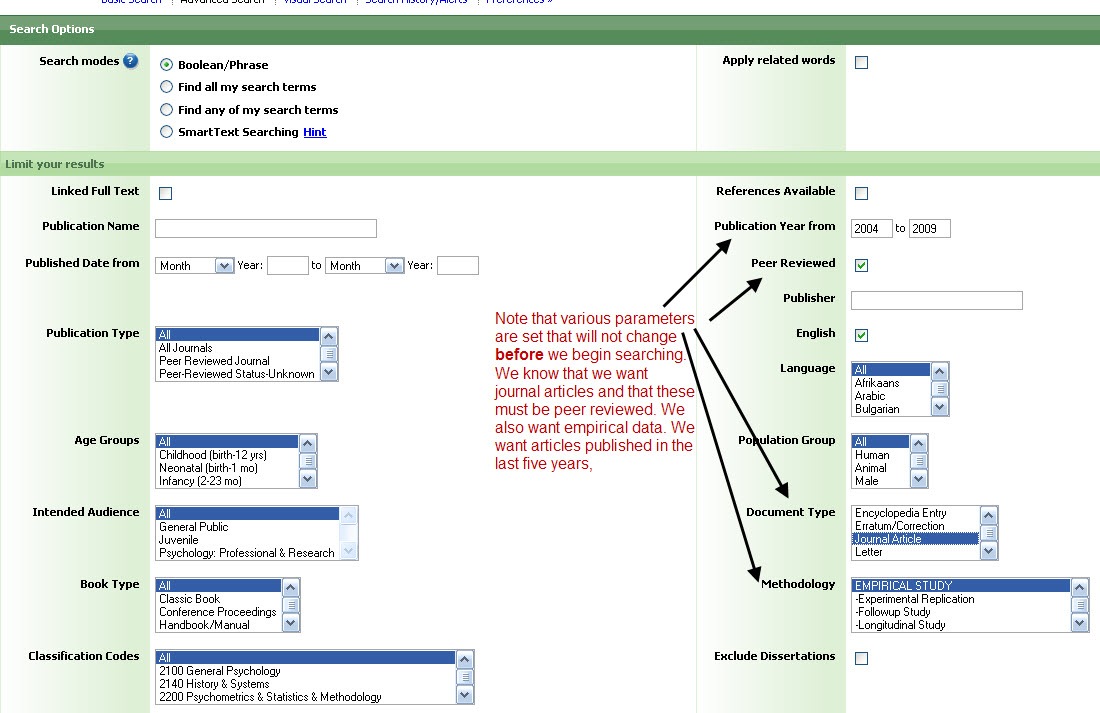
Clicking on Search Options opens a screen that allows you to set many kinds of parameters . See the example below, where publication year peer review, journal article, and empirical research have been selected.
Adding these parameters reduces the number of results by 75%. That still leaves more than 300 articles. At this point you have a number of options. You can squeeze the years of publication. That's probably the easiest. For example, looking at only the last two years. Or you can add another search parameter. For example, "Age" or "Sex." PyscInfo provides an easy way to do this. There are a number of menus on the left hand side of the page that allow you to add parameters by clicking on them. Below is an example of the "Age" menu.
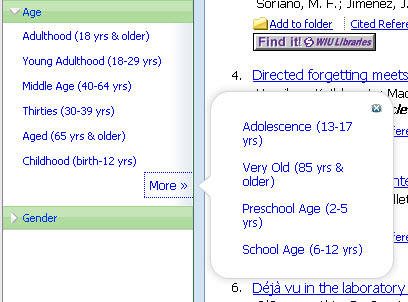
If you click on "Thirties," for example, you get 70+ results.
If on top of "Thirties" , you click on "Gender" and choose "female" you get 50+ results.
Now you have a number of articles you can effectively browse.
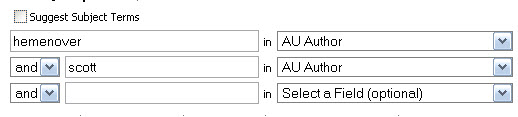
To do an author search, deselect "subject" search by clicking in the box.
Put the author's first and last names in separate boxes.
Select "Author" as the delimiter.
Click search. Below is a search for Dr. Hemenover's articles.
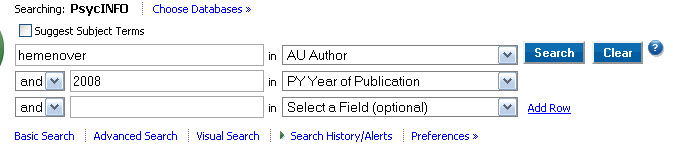
If you come across a citation that only says, (Hemenover, 2008), you could easily do the following search:
Of course if you had a more common name like "Smith," you would likely have some more searching to do. Usually, you will be able to track down a first name in the bibliography. But it's not uncommon for people to stumble across incomplete citations.