OVID ERIC
Publication Type / Descriptor Search
The OVID interface demands that we do three separate searches: a publication
type search; a subject headings/descriptors
search; and a combination of those two.
- We begin by assuming you know the publication type and descriptor/s
you're going to use--which you have gathered from a previous search. In our
case the publication type is 060 (historical
materials) and the descriptor is homosexuality.
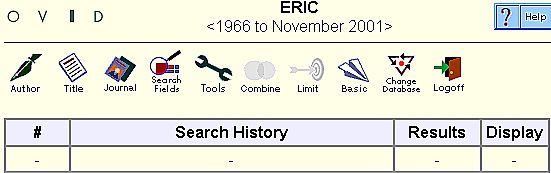
- Click on the Search Fields icon.
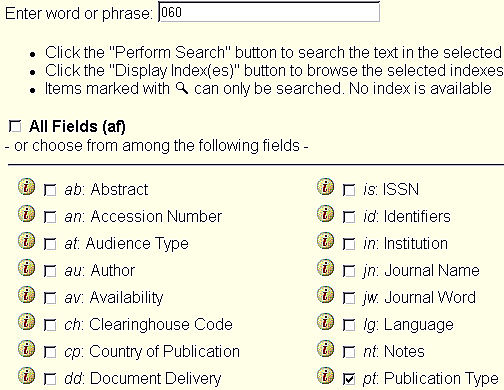
- Type 060 in the search area. Check publication
type. Click on "Perform Search."
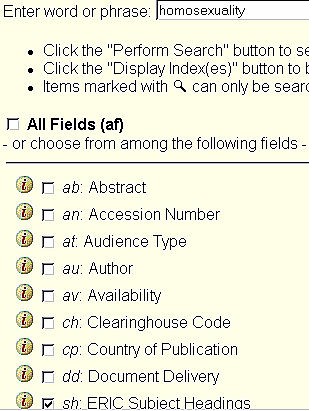
- Next click on Search Fields again. This
time type in "homosexuality" and check ERIC
Subject Headings.
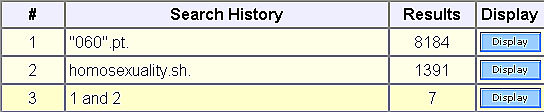
- Your results should look like this.
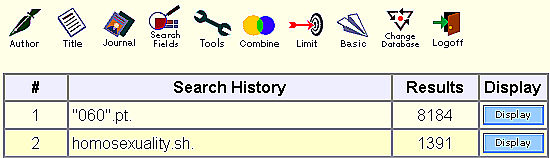
- Click on Combine button, located
just above your results list. Check your searches. Click on Continue.
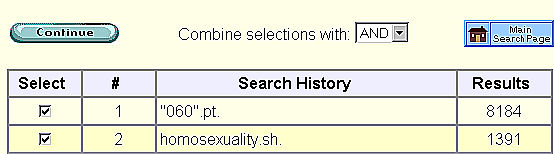
- You should see a result as in 3 below. Click on Display.