 button. Our flavor of Lexis defaults to searching law reviews.
Link path WIU Libraries to Select A Database to LexisNexis
Once you get into Lexis, click on the Legal button. Our flavor of Lexis defaults to searching law reviews.
Assuming you know the law you are interested in, copy that law into the search box. We are searching a specific section of copyright law, 17 USCS § 512 that is often used in peer-to-peer copyright infringement (or not) cases.
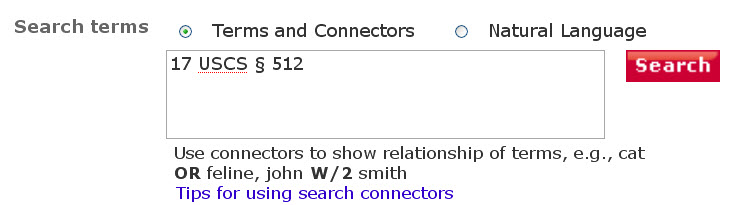
And that is it.
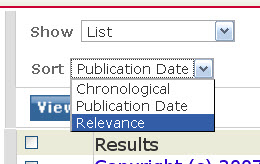
You may want to sort your results by relevance.
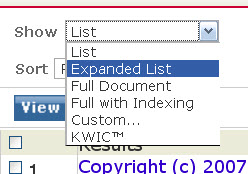
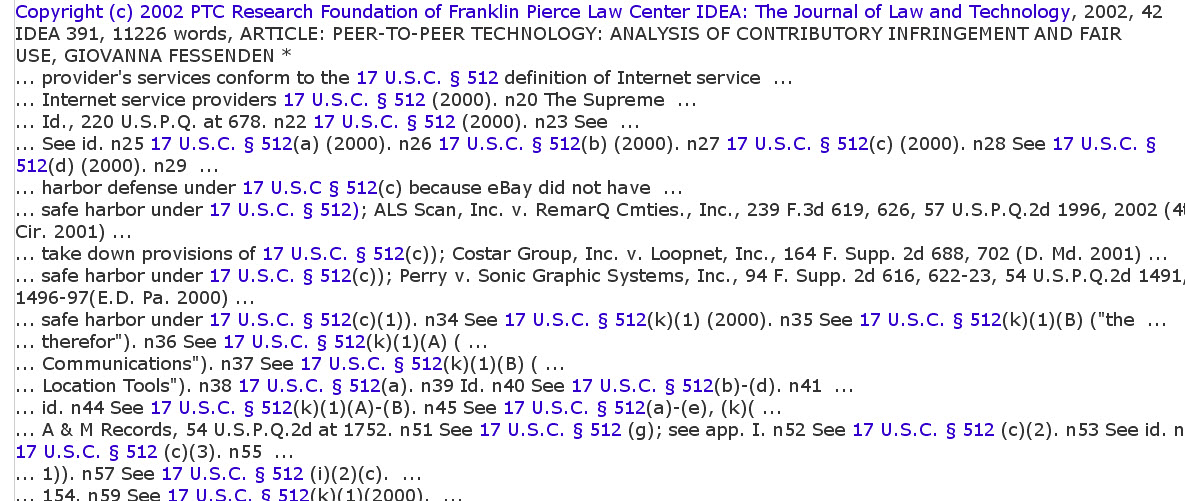
You may want to display your articles using the "Expanded List" function. This allows you to get a little context with your search results.
Here's what that looks like:
But what if I don't know what specific law I am interested in?
If copyright issues interest you, then U.S. Copyright Office http://www.copyright.gov/title17/
First Amendment? Cornell's Legal Information Institute http://topics.law.cornell.edu/wex/First_amendment
Link path WIU Libraries to Select A Database to LexisNexis
Put your topic in the search box. Place phrases in quotation marks
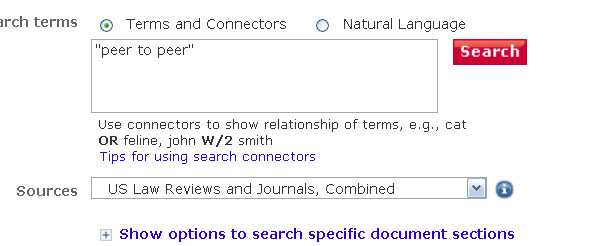
That's it.
You can also create complex searches using the usual boolean syntax ("and," "or," "not," and Lexis' own syntax, spefically w/some_number
For example "peer to peer" w/10 grokster will locate articles in which the phrase "peer to peer" occurs within 10 words of "grokster."

This search asks for the same information as above, but also is trying to target information about "film" or "movies." Note the use of parentheses--which you must use when you go beyond the simple search level.

Imagine you are researching Metro-Goldwyn-Mayer v Grokster
Link path WIU Libraries to Select A Database to LexisNexis
Once you get to Lexis, click on Federal and State Cases, which appears on the left hand side of the screen.
Scroll down to Case Name. Fill in the slots. Note that you need to have the correct name. Not MGM v. Grokster but Metro-Goldwyn-Mayer v. Grokster. Capitalization doesn't matter.

Once you get to the case, you see the case is associated with many numbers. These numbers are called "citations." They are citations to various legal publications where the case was reported. Citations are useful because many cases have the same names (Smith v. Jones) or very similar names.
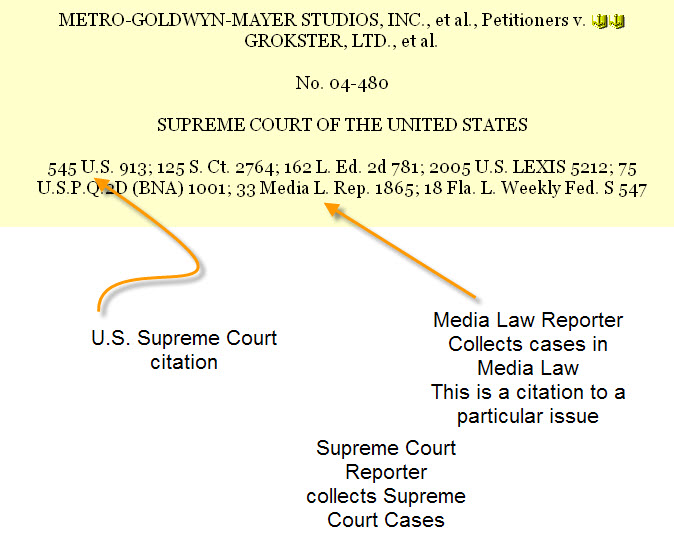
To search by citation copy the citation into the citation box

You can also use citation numbers to search in law reviews--and, again, this can be useful because of the similarity of names issue. Simply paste the number into the Law Review search box and...