Searching ABI

Suppose you want to learn about how businesses use the Internet to do training.


Starting with the keyword search below, "training" and (web or internet) seems natural. This produces 2,700+ hits. Way too many.
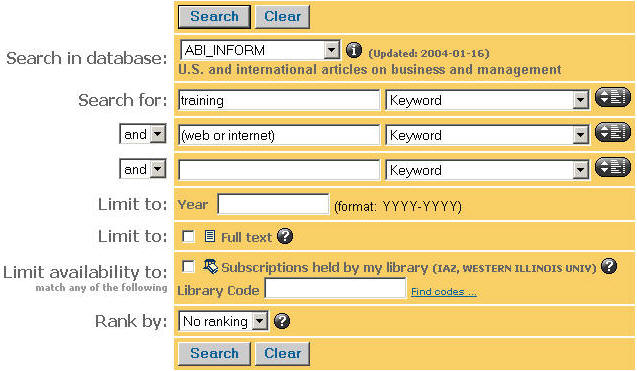
 

This is a graphic depicting a search in which "training" and (web or internet) are used as keyword terms.


The best way to narrow a search is to use subject headings. Let's look at the subject headings associated with the article, Training Yourself.
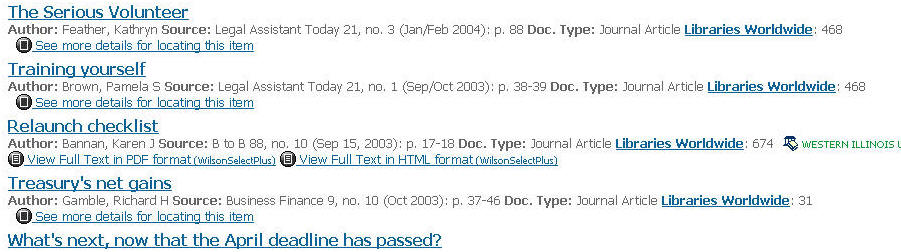
 
This is a graphic depicting the results of the search. "Training Yourself" is the second article cited in the result list.


 Note that Professional Development (training) and Internet are two relevant subject headings.
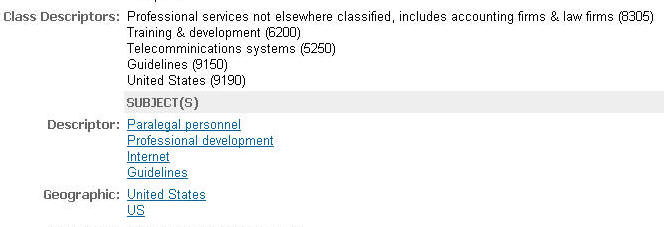
 

This is a graphic showing the various descriptors (subject headings) from the "Training Yourself" record. The descriptors are: Paralegal personnel, professional development, Internet, and Guidelines.


This search produces 360+ records--which is better, but still too big.
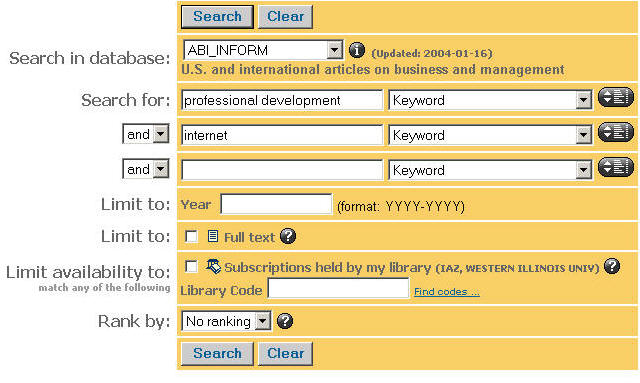
 

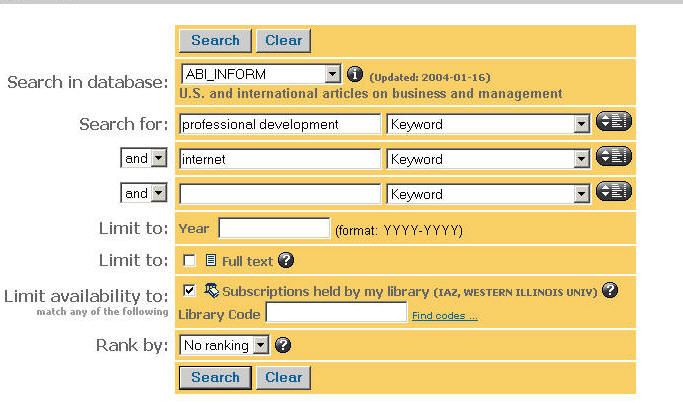
This is a graphic depicting akeyword  search using the descriptors "professional development" and "internet."


If we check the "Subscriptions Held by My Library" box, we reduce the results to 196. This is pretty good and you might want to stop here and look at the top fifty--which will be in chronological order or you can further refine the search: A couple of examples follow.
 

This graphic displays the same search as the one above, only this time the box "Subscriptions held by my library" is checked.


 Restricting by date, as here, will pull up 55 hits.
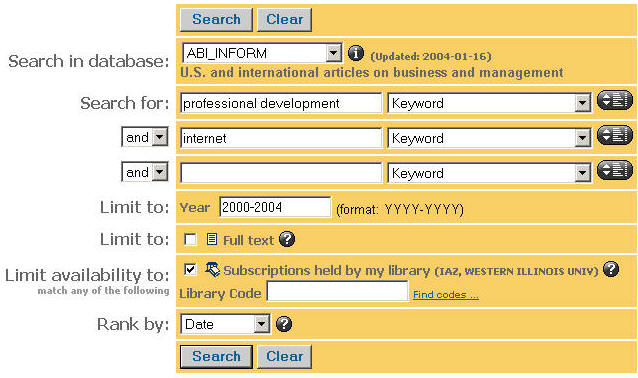
 

This graphic depicts the same search as the previous two--adding a date delimiter of 2000-2004.


Adding a third tem, reduces the search to 16 hits.
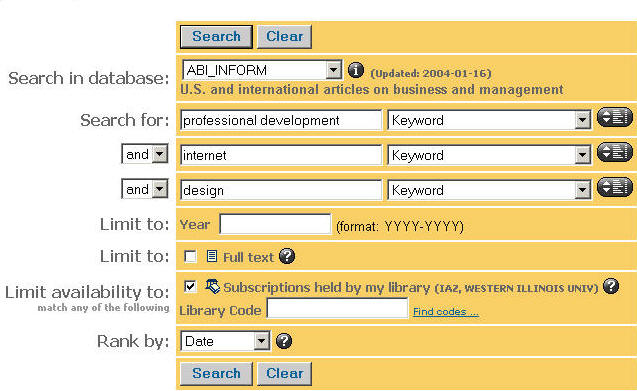
 

 This graphic depicts the same search as before, but now the keyword "design" has been added to the mix and the date delimter removed.  So, the search tems are: Professional development, internet, and design. The "Subscriptions held by my library" box is checked.