| Search
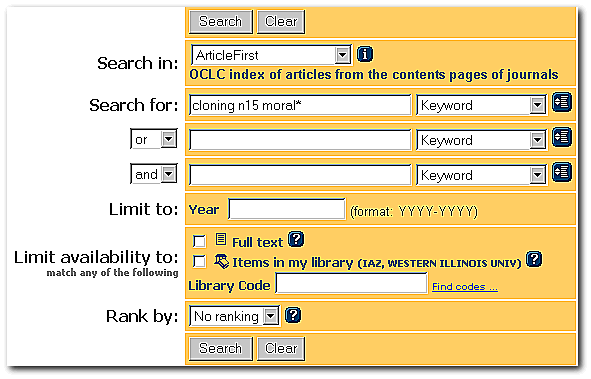
1: Simple Proximity Search There are actually two proximity
commands in Article First, but the one below using "n" followed
by some number is the more flexible of the two as it searches for words in
any order, e.g. in the search below, "morality" could come before
or after "cloning." The other command which
uses a "w," and looks just like the command in Academic
Search Elite--however the words will only be found in the order typed,
e.g. cloning w15 moral* will only retrieve records in which
"moral*" comes after "cloning." Note,
too, that the search is set to keyword. This is essential. The search
below retrieved 7 records. |
|
 |
|
| Search
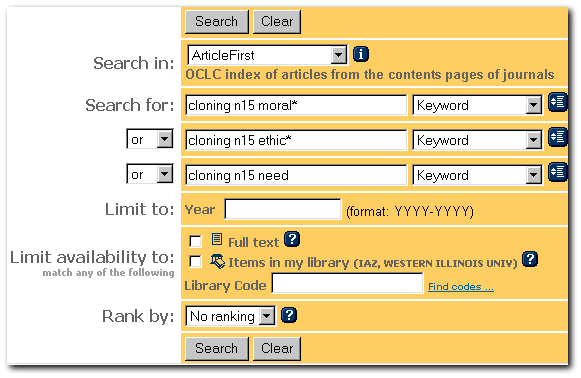
2: Complex Proximity Search More complex searches can be created as
below. Unfortunately, Article First requires that you repeat the initial
search term. Article First does not allow the construction
of searches like clon* n15 (moral* or ethic*) This
search retrieved 80+ records. |
|
 |
|
| Search
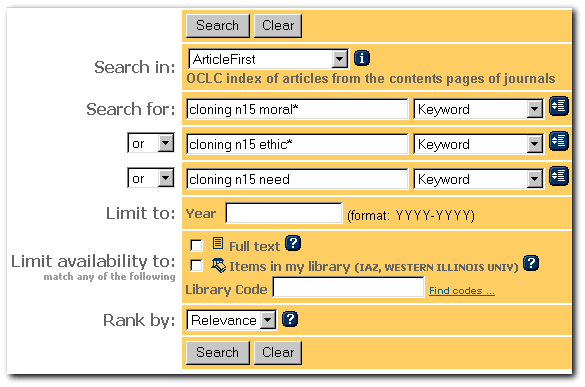
3: Using the Relevance Function This search is exactly like the one
above, except that relevance function, located in the lower left
hand corner of the search menu, is enabled. Unless the currency of
information is important to you, it's wise to enable this function as it
will attempt re-rank the articles so articles that are most relevant to
your search come to the top of the list. |
|
 |
|
| Search
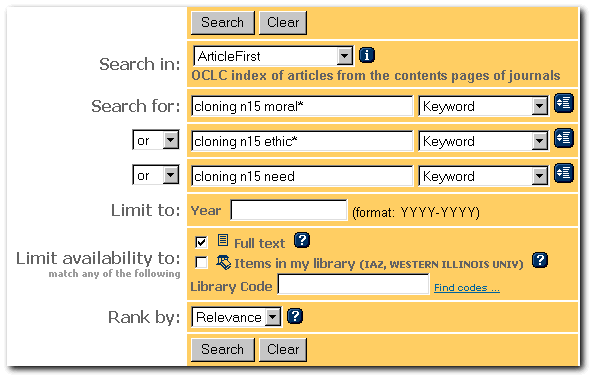
4: Full Text Search The search below is like the one above, except
the full text delimiter has been activated. This search returned
15+ records. |
|
 |
|
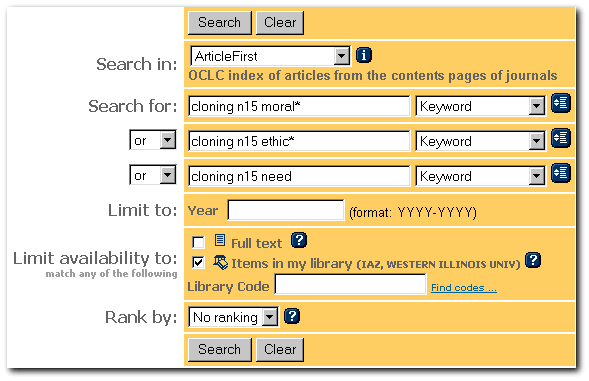
| Search
5: Library delimited Search The search below is like the one above
it, except that the library delimiter has been enabled. This command is a
bit deceptive. The icon for WIU Libraries' holdings will appear even if
WIU only ever received one copy of one issue. Checking the holdings lists
remains necessary if you don't want to waste time looking for issues of
journals that do not exist in our library. This search returned 35+
records. |
|
 |
|
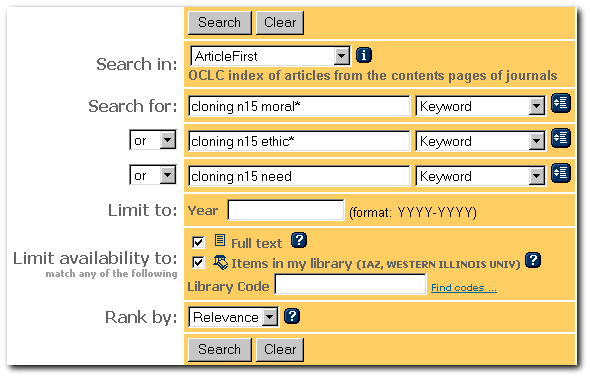
| Search
6: Full Text and Library Delimited Search: This search has enabled
both the full text and the library delimiters. However, it only returns
the same eighteen records that were found in Search 3 when only the full
text delimiter was chosen. Why? It's because there is an implied
"and" between the buttons, not an "or." The computer
is looking for overlap. |
|
 |
|
|
|